After purchasing hosting, the free SSL certificate may not be automatically activated, but it is quite easy to disable it from cPanel. Follow the detailed instructions:
1. Log in to your hosting cPanel. On the right side, you will see that SSL is not active (see screenshot):
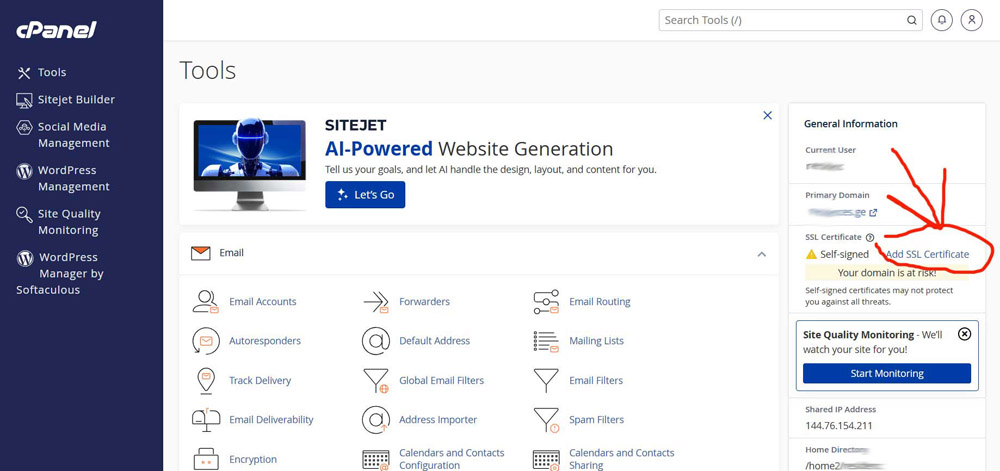
2. Click on the appropriate button (see screenshot):
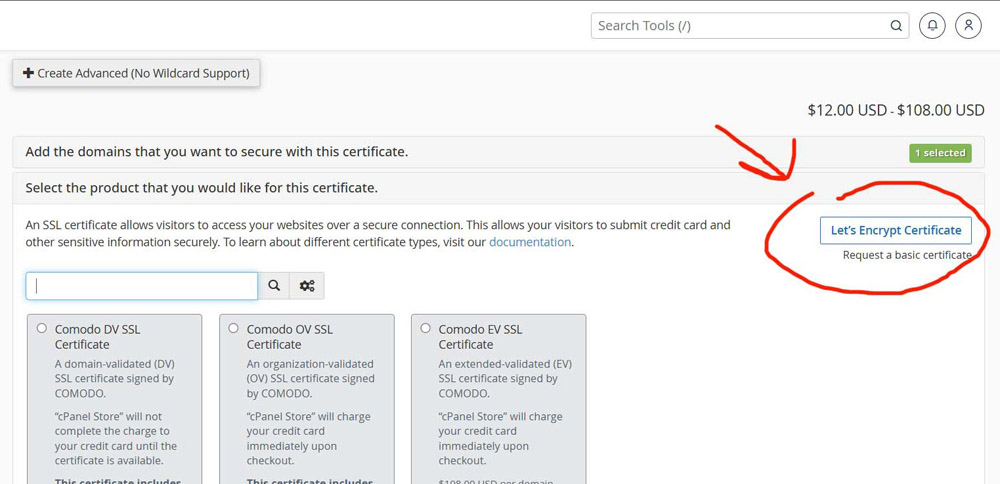
3. Select the condition and continue (see screenshot):
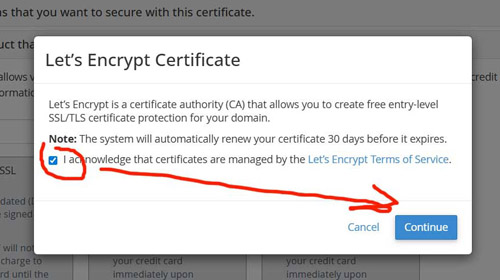
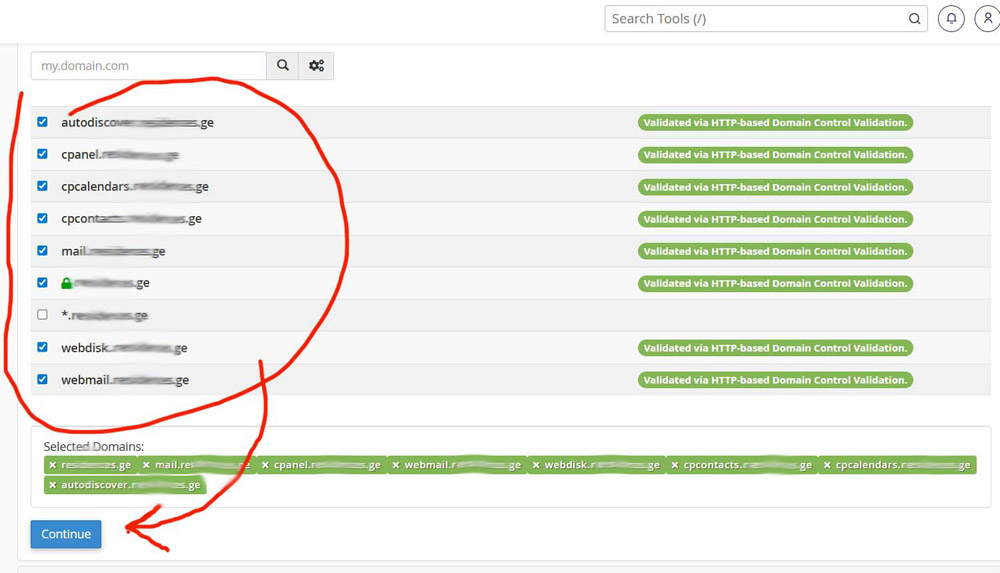
4. Check the fields shown in the image and wait until they turn green (see screenshot):
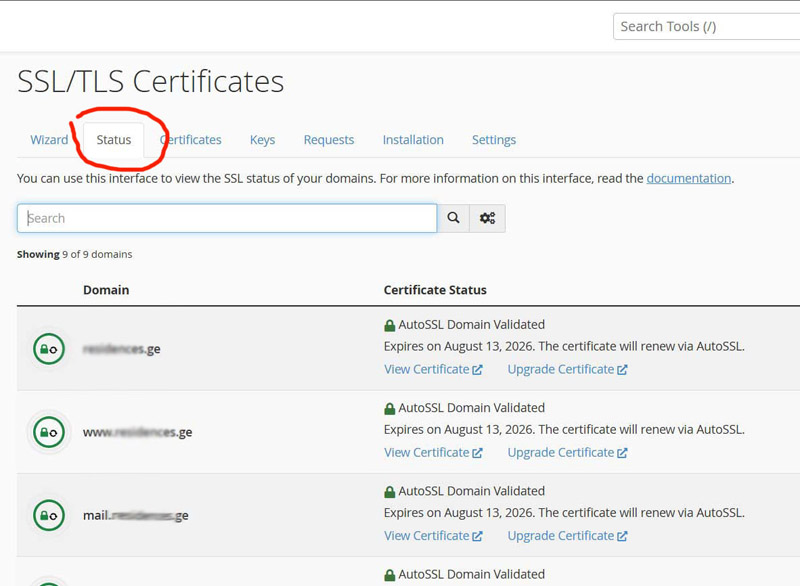
5. To confirm, see the active statuses in the "Status" category (see screenshot):